Migrating Off Intercom Fin (Without Leaving Intercom)
Migrate from Intercom Fin and keep the inbox, the macros and the conversation history. What actually moves, what it costs, and the two weeks you run both.
Summarize with AI
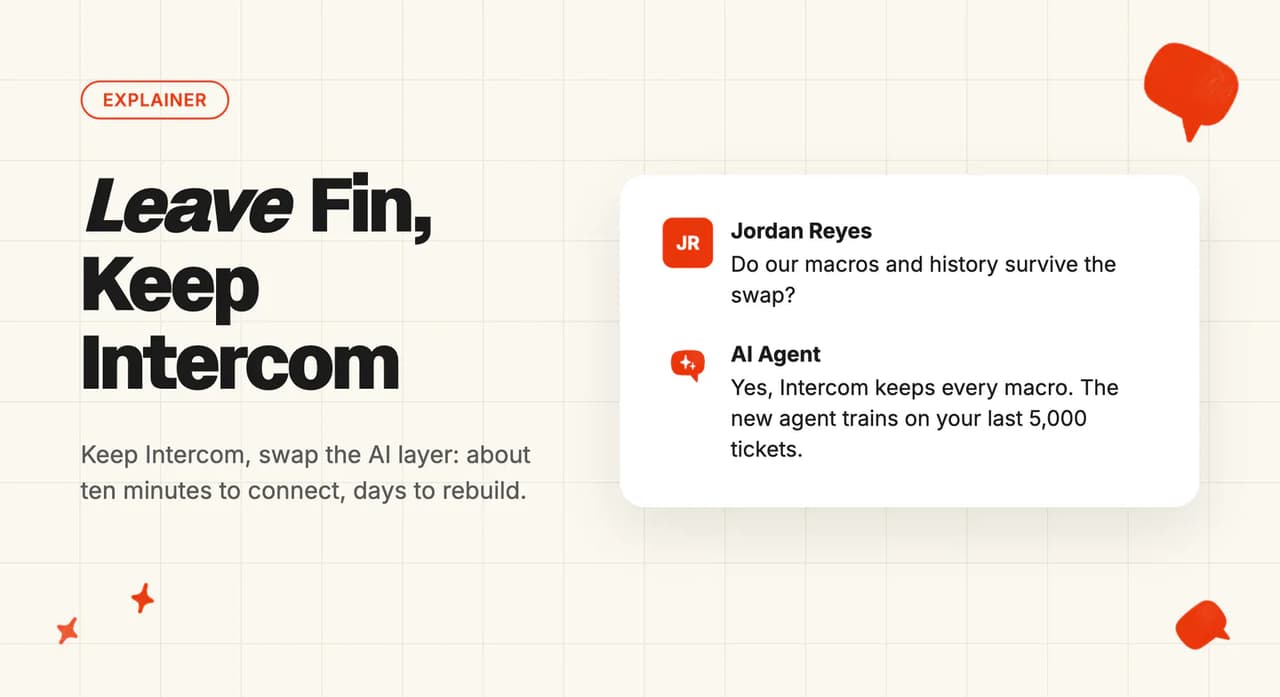
Your Intercom bill went up the month Fin got good at its job, and now you want to know whether you can drop Fin without dropping Intercom. You can. Migrating off Intercom Fin only touches the AI layer; nothing else about your helpdesk moves. You install a different AI agent from the Intercom App Store, point it at the same knowledge, and let it draft internal notes beside Fin before moving the replies across one channel at a time.
Almost all of the real work is one job: getting the guidance, escalation rules and exact answers you tuned into Fin back out of it (one entry at a time), because Intercom has no export for them. Writing them again is the part we hand to AI. Connecting the new agent itself takes about ten minutes.
Intercom sells most plans self-serve at published prices, and only contracted customers have an order form to read. If you are on a contract, your renewal date and your notice period are the two lines that decide the timing.
If you have not bought Fin yet, start with our walkthrough on adding AI to Intercom without Fin.
I'm Mike, co-founder of My AskAI. We run AI customer service for 200+ ecommerce and SaaS businesses, and we install into Intercom on live workspaces, so the sequence below comes out of doing it.
Migrating off Intercom Fin at a glance
| What you keep | The Intercom inbox, every conversation and its history, your macros, your team and their seats, your Intercom reporting |
| What you rebuild | Knowledge sources (re-pointed in place), escalation and handover rules, tone and guardrails, any hand-written exact answers |
| What you lose | Fin's own resolution and outcome numbers stop where Fin does, so screenshot the ones your board deck runs on before you go. If Fin is answering your phone calls, that does not come with you |
| Typical effort | Ten minutes to connect the new agent, a few days to copy the behavior layer out of Fin and have Echo rebuild it, then one to two weeks running both agents |
| Contract to check | The renewal date and notice period on your Intercom plan and your paid extras. Fin is not a separate subscription, but check whether your contract commits you to an outcome volume you are billed for either way |
| Hardest part | Getting the behavior layer out of Fin, one entry at a time, because Intercom has no export for it |
My AskAI is a marketplace app inside Intercom, so your team logs into the same place and works the same way. Our AI Copilot drafts replies for your agents in the same inbox, with no per-agent charge on any plan.
Why teams leave Intercom Fin
Teams raise the bill first. The complaint is never the price of one outcome; it is what happens to the total once Fin starts doing well.
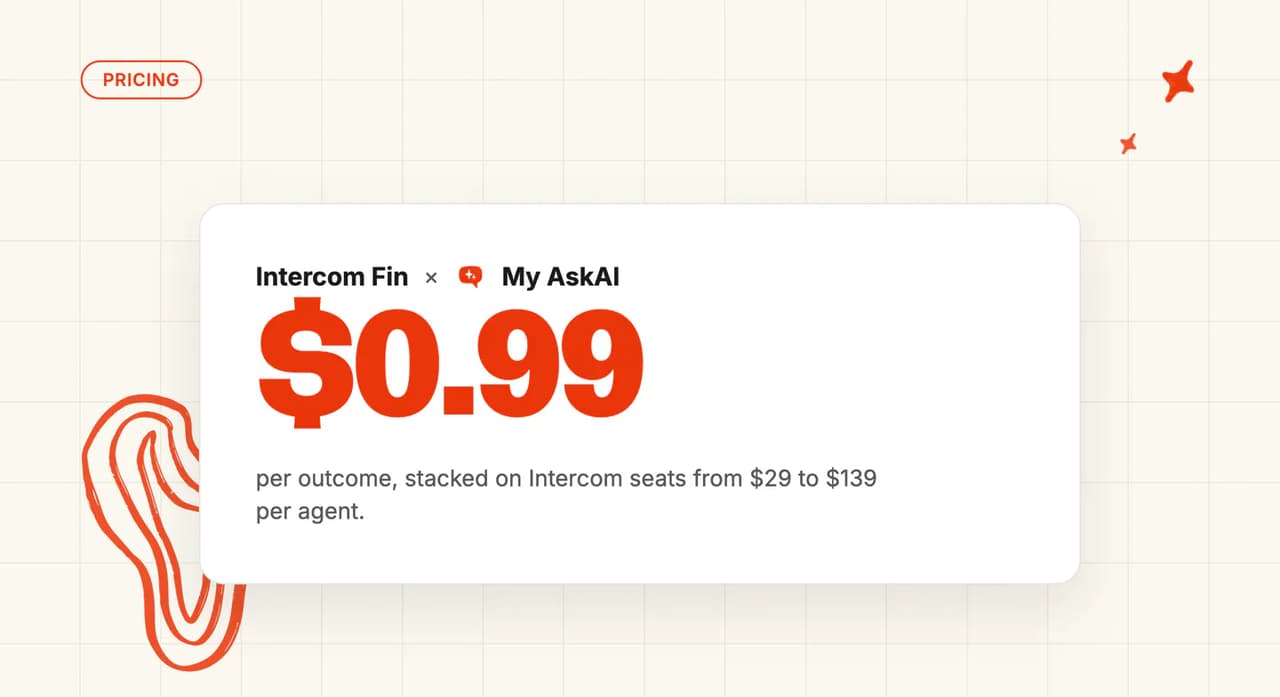
Fin is available on every Intercom plan and charges $0.99 per outcome on top of your seats. Get the agent handling more of your volume and you have bought more outcomes at $0.99 each.

The second reason is what counts as an outcome. Fin counts a customer who walked away from the conversation as a resolution (Fin's term for that is an assumed resolution), which is in its documentation. You can be charged for a resolution nobody on your team would call one.
The third is what happens when Fin hands the conversation on. Fin does not charge when it escalates on its own, but a handoff you configured it to make counts as an outcome (Intercom's term for that one is a procedure handoff), so you pay $0.99 and the ticket still lands on one of your agents. One support lead who had already moved off Intercom set the threshold like this:
"Fin's per-resolution pricing only works if you can hold deflection rate north of 60%. below that you're paying for Fin AND your humans on the same ticket, because customers escalate." u/Equivalent-Sky-7052, r/SaaS
The fourth is a cold start. Fin answers customers from the articles, snippets and documents you have written, and the one Intercom source that reads your past conversations is reserved for Copilot, the assistant your agents use. Getting Fin to perform means building that written content out first:
Fin doesn't really "learn" from past tickets, and it's hard to control what's ingested and how. u/MammothManMike, r/SaaS
The fifth is ownership. Fin stalls when nobody owns the knowledge base: stale content makes for bad answers, and the AI takes the blame for both. A team with no content owner will get the same result from whatever replaces Fin, ours included. Starting the new agent from the tickets you already have at least gives it something to answer from while you sort the content out.
At RecruitCRM's volume, Fin's $0.99 per resolution did not make economic sense. They never bought it, and their support runs on us instead.
My AskAI charges per ticket the AI handles, resolved or not, so the bill does not climb as the agent improves. Teams starting without much written down use Train on Historic Tickets, which drafts starter knowledge from the tickets already in your inbox. Put your volume through our Intercom ROI calculator and check the numbers yourself.
What you keep, what you rebuild, and what you lose
Your team keeps everything it touches every day. What you rebuild is the layer you tuned into Fin, and most of that work is copying it off the screens you wrote it into.
| Asset | Status | What that actually means |
|---|---|---|
| The Intercom inbox, your conversations and their history | Keep | Nothing moves. You are swapping the AI layer inside Intercom, so your team logs into the same place on Monday |
| Macros and saved replies | Keep | They stay in Intercom, and your agents keep using them exactly as they do now. If you want the AI to use them too, add them to the new agent as custom answers |
| Historical conversations | Keep | They never leave Intercom. The new agent trains on the last 5,000 historic tickets, so your past replies become its starting knowledge |
| Knowledge sources | Rebuild (fast) | Mostly a re-point. Your Intercom Help Center connects in place, and website or Notion-style sources point at the same content they already do |
| Escalation and routing rules | Rebuild | The workflow, its trigger and its branches stay and get re-pointed at the new agent. What lived inside the Fin step gets set up again, and Echo writes those rules for you from the ones you paste in |
| Tone, guardrails and hand-written exact answers | Rebuild | Somebody reads each one out of Intercom, then Echo turns them into guidance and custom answers for your team to approve. Getting them out is the part that costs the time |
| Fin's reporting | Lose | Fin's numbers stop where Fin does, and the new agent starts its own count. Screenshot the baselines before you turn anything off |
The last rebuild row is where the time goes. Intercom's support engineers say in their community that there is no way to pull snippets or internal articles out in bulk, so those get gathered from the screens one at a time. Your Guidance entries are the instructions you wrote for Fin in plain English, up to 100 of them live at once, and every one of them has to be read back off the screen it lives in.
An AI assistant that can drive a browser does the copying, and Echo, our operator agent, turns what it captured into the new agent's guidance and answers. Your team reviews the drafts and approves them, which takes an afternoon or two.
Audience rules are the last piece to redo. Fin lets you tailor what it uses to answer each group of customers, based on your customer attributes. Our control works on what the customer wrote: every ticket gets a tag when it arrives, and each tag decides whether the AI answers it or leaves it for a person.
What is the My AskAI equivalent of each Fin feature?
Almost everything you set up in Fin has a name on our side too. This is the translation, so you know what you are looking for before you start.
| In Fin | In My AskAI | What changes for you |
|---|---|---|
| Guidance | Guidance | Same idea, same plain English. Paste your Fin entries into Echo and it writes them for you |
| Snippets and internal articles | Knowledge | They become content the agent answers from, uploaded as files or pasted straight in |
| Hand-written exact answers | Custom Answers | Still word for word, still yours to edit |
| Procedures | Tasks | The multi-step jobs the AI runs. Upload the SOP and Echo builds the Task from it |
| Audiences built on customer attributes | Tagging | The control moves to what the customer wrote. Every ticket is tagged as it arrives, and the tag decides whether the AI answers it |
| The "Let Fin handle" workflow step | The same step, pointed at our app | Your workflow, its trigger and its branches all stay. Only the step inside changes |
| Fin Copilot | AI Copilot | Drafts sit in the same inbox, with no per-agent charge on any plan |
| Fin's reporting | Insights | Every conversation is scored and grouped by topic, and you can ask Echo why any single answer happened |
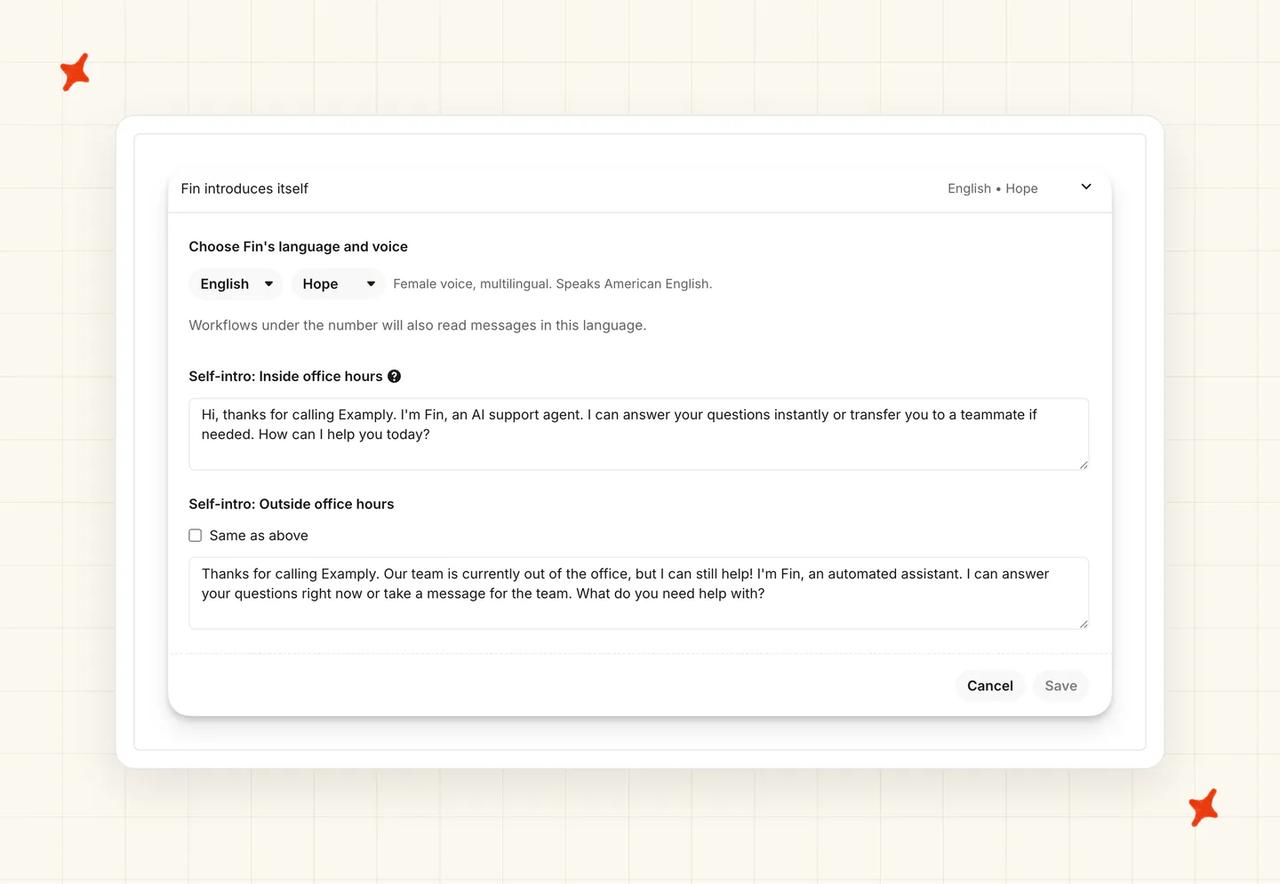
| Fin over the phone | No equivalent | We do not answer phone calls. Price that loss before you plan anything else |
My AskAI connects to your Intercom Help Center in place, including articles behind a login, which is why the knowledge half of this takes an afternoon. Our Intercom integration page covers what connects and how.
Before you migrate: check your contract
There is no separate Fin subscription inside Intercom to cancel. Fin is available on every Intercom plan and bills per outcome on top of your seats, so the per-outcome line stops once Fin stops resolving conversations. Any minimum outcome commitment in your contract carries on regardless, billed whether Fin earns it or not, alongside any paid add-on running to its own renewal date.
The rest of your Intercom bill does not stop. Your plan tier and any paid extras carry on, and if your agents use Copilot that is an optional add-on billed by the seat at $29 per agent a month on annual billing, $35 monthly, whatever the customer-facing AI is doing. Those lines have renewal dates, so time your move around them.
If you are on a contract, the paperwork to read is the Intercom order form you signed (the public pricing page prices the self-serve plans only). Four things to look for:
- Your renewal date and notice period. On a contract, Intercom requires written notice at least 30 days before your renewal date, or it renews for another 12 months.
- Whether you are mid-annual-term. An annual term usually has no mid-term refund, so look for a break clause.
- When a downgrade actually bites. On an annual plan a downgrade only takes effect at renewal, which may be months of full-price billing away. On a monthly plan it lands at the next billing cycle.
- What happens to the extras. Copilot and the Pro add-on are billed as separate line items on top of your seats, so canceling a plan is not the same as canceling them.
There is also a spend guard for the weeks both agents are running. Intercom lets you set a hard limit on Fin outcomes that switches Fin off once the billing period hits a number you choose. We put one in place on every overlap we run, because Fin keeps billing per outcome the whole time it is still answering.
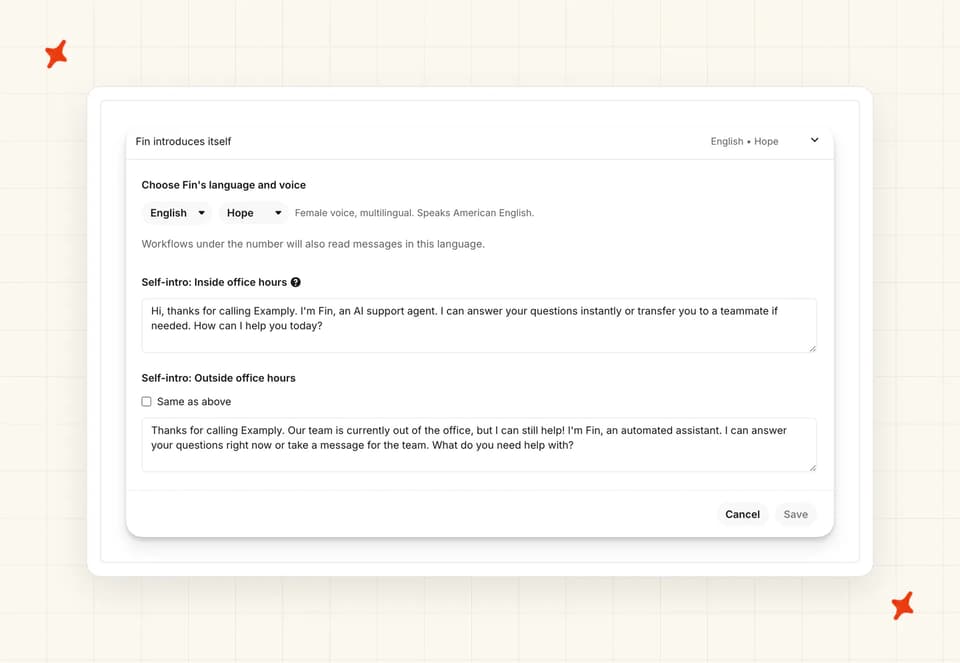
Their one caveat, in their words: "You can't set a hard limit lower than your contracted amount." If you committed to a volume, that is your floor.
There is no data migration in this move (no export file, no import, no downtime). Your conversations belong to Intercom and you are not leaving Intercom, so they stay. If your helpdesk is Zendesk, the same layer swap applies, and we cover it in our guide to migrating from Zendesk AI.
The cancellation terms do note that canceling a subscription does not delete your data, but you lose access to it once the subscription ends. That clause never applies to a layer swap, because we install inside the Intercom subscription you are keeping.
My AskAI gives you 30 days free with every feature unlocked, unlimited tickets and no card. The overlap you are budgeting for costs nothing on our side while you compare the two.
How the migration actually runs
Seven steps, in the order we run them. The copy sprint comes first, because it needs your Fin subscription to still be live. Fin keeps answering your customers until the numbers say otherwise.
Every step here is a pause. Fin stays installed and configured the whole way through.
Step 1: Write down what Fin is actually doing for you
Fin hides in two places. There is the simple deploy, and there is Fin inside your workflows (the workflow one keeps billing on its own, even once the simple deploy is off). Intercom's community answer tells you to check the "Advanced deploy with workflow" section as well as "Simple deploy", or you will switch off half of it and wonder why the charges continue.
Walk the Deploy screens, list which channels Fin is live on, and write down your knowledge sources, your guidance entries, your escalation rules and your audience rules. Then screenshot your Fin report baselines, so you have the before picture to compare against. A browser assistant can walk those screens and write the list for you; it is the same assistant you point at the copying in Step 2.
Step 2: Copy out the parts Fin won't hand back
Do this while your subscription is still live and your access is guaranteed. Copy out each of these:
- Guidance entries
- Snippets
- Hand-written exact answers
- Procedure text
- A screenshot of every workflow canvas
Use a browser assistant to page through and copy each item verbatim into one document per content type, then hand those documents to Echo, our operator agent, to draft the replacement settings. Your job becomes checking the output.
This is the prompt we give the browser assistant, run once per content type:
You are in the Intercom admin for our workspace. Open Fin's Guidance screen and go through every entry, including the ones that are switched off. For each entry, copy its title, its type, its full text and whether it is on or off, exactly as written. Do not summarize, reword, tidy or fix anything. Put one entry per row in a single document, and tell me the total count at the end. If an entry will not open, say so and move on to the next one.Swap "Guidance" for snippets, exact answers or procedure text and run it again for each.
Step 3: Connect the new agent, reading only
Install the new agent from the Intercom App Store. We recommend the marketplace app route over anything custom, because a marketplace app has been through Intercom's approval process and Intercom knows it is there.
Point it at your Help Center and the same sources you listed in Step 1, and let it train on your ticket history. No customer traffic yet (nobody outside your team sees it before Step 6). Somebody with admin access to your Intercom workspace needs about ten minutes for this part.
Step 4: Rebuild the tone, the escalation rules and the exact answers
Nobody on your team writes this layer out again. Take the documents from Step 2, paste them into Echo or upload them as files, and our operator agent turns them into the new agent's guidance, custom answers and handover rules. Tone works the same way: upload your brand or tone-of-voice document and Echo writes the guidance from it.
What your team does is the review. Read what came back and settle which topics always go to a person, what a frustrated customer should trigger, and which answers have to come out word for word. This is usually an improvement on what you had, because the Fin version accumulated over a year of nobody quite deleting anything.
Step 5: Run it beside Fin, in notes mode
The new agent drafts its answer as an internal note on every ticket while Fin keeps answering customers (that is all notes mode means). It sees your live traffic and your real questions, and no customer sees a word of it.
Give it one to two weeks of representative volume. Your team reads both answers on the same ticket and forms a view. Set the Fin hard limit here, so the overlap has a ceiling you chose.
Step 6: Switch the replies over, one channel at a time
Turn the new agent to direct replies on one channel, and pause Fin on that same channel in the same change window. Never leave both of them answering the same customer.
Name your rollback point here (write it down before the change window). If the new agent is escalating more of the same ticket types than Fin was, put it back into notes mode and let Fin answer again. Nothing has been deleted, Fin is still installed, and the switch back takes minutes.
Step 7: Turn Fin off properly, then stop the spend
Pause Fin in both the places we listed in Step 1, because the obvious one is only half the job. Re-point every workflow step that hands to Fin, the "Let Fin handle" step, so the path reaches the new agent instead. Clear out the audience rules that only ever existed to scope Fin.
Then fix the Messenger, because its AI wording keeps showing after Fin is off and your customers will read that as Fin still being there. Cancel the paid extras last, once your rollback window has closed. If you ever want the whole thing gone, a third-party app uninstalls cleanly from the App Store.
Notes mode is how every My AskAI install into Intercom begins, so nothing has to switch over in one go. Our guide to AI-to-human handoff goes deeper on when the AI hands a conversation to a person.
How to know the switch worked
Compare the two agents on the same tickets. Just do not compare them on Fin's scoreboard, because the two systems are not counting the same thing.
Fin's documentation is clear about it: "If a customer disengages from the conversation for 24 hours after Fin's last answer, it is considered an assumed resolution." A customer who gave up and closed the tab counts as a win. Our side counts a conversation as resolved when it was not escalated to a human, and we do not claim to know the issue was solved without the customer saying so.
Reset the definitions before you compare a single number. Skip it and the new agent will look worse when all that changed is what each side counts as a win.
Step 5's notes-mode overlap runs one to two weeks, long enough to gather side-by-side answers on the same tickets. Give the full comparison two to four weeks before you call it, so one bad day cannot swing the picture.
| What to compare | How to read it on each side | What passing looks like |
|---|---|---|
| How much the agent handled | Fin reports outcomes, including the walk-aways. The new agent reports what it closed without escalating | Handled share holds or improves once both are counted the same way |
| Escalation rate | Both show what reached a person. This is the cleanest apples-to-apples number you have | Escalations hold steady or fall on the same ticket types |
| CSAT on AI-handled tickets | Fin asks for a score. Ours scores every conversation automatically, so the samples differ in size | No drop your team can feel on the topics that matter |
| Time to first reply | Both timestamp the first AI response | No slower than Fin was |
Pick the ticket types that make up most of your volume and compare inside those. If escalations on those types run higher than Fin's once the window has closed, roll back.
For what a realistic handled share looks like, the field median AI-handling rate is 70% across 195 rated deployments from 38 vendors in our benchmark dataset, with half the field between 56% and 80%.
Treat it as where the field sits. It is not a number to put up against any single vendor's published figure: every vendor counts a different event, so figures labeled "resolution" run about twelve points above figures labeled "automation" across the benchmark data. Published figures are also the wins vendors chose to show, which makes 70% closer to a ceiling than to an average.
Our guide to containment versus deflection versus resolution goes deeper on which of those you are actually measuring.
When a number disagrees with your instinct, our agent lets you open any conversation and ask Echo why it answered the way it did and which piece of knowledge it used. Insights groups every conversation into topics on top of that, so you can see where a drop is coming from.
When you should stay on Intercom Fin
Leaving Fin costs more than it saves in three situations, plus one about timing.
If you have not settled on what goes in Fin's place, our post on Intercom Fin alternatives covers the field.
If you are on the fence, the My AskAI 30-day free trial lets you run both agents on your own tickets and decide from the numbers. You keep Intercom either way.
FAQs
Can I run a different AI agent inside Intercom?
Yes. A third-party AI agent installs from the Intercom App Store and answers inside the same inbox your team already uses. Your conversations, your macros, your workflows and your team carry on inside Intercom, because you are only swapping the AI layer. That is what keeps the job down to days on the installs we do.
How do I switch off Fin and keep using Intercom?
Pause Fin in both places it lives: the simple deploy and any workflow that hands a conversation to it. Intercom's community answer is the one to follow here, because the "Advanced deploy with workflow" section is the half people miss. Then re-point the workflow steps at whatever is answering instead, and fix the Messenger's AI framing, or it will keep looking switched on to your customers.
What happens to my Intercom conversations if I stop paying for Fin?
Nothing. Your conversations belong to Intercom, and you are not leaving Intercom, so every one of them and its full history is unaffected. The retention terms that do matter apply to canceling Intercom itself: canceling a subscription does not delete your data, but you lose access to it once the subscription ends. We install inside Intercom, so those terms never come into play on a layer swap.
How do I stop Fin's per-outcome charges without changing helpdesk?
There is nothing to cancel. Fin is available on every Intercom plan and billed per outcome rather than as its own subscription, so the per-outcome line stops once Fin stops resolving conversations. Check your contract for a minimum outcome commitment first, because that is billed whether Fin earns it or not. What keeps billing either way is your Intercom plan and any paid extras on it.
What does it cost while I'm running both?
Both sides bill during the overlap, which is why we keep it short. Fin keeps charging per outcome until you switch the deployments off, and you can cap that with a hard limit. On our side the overlap usually falls inside the 30-day free trial, so our half of it costs nothing.
| Side | What you are billed for during the overlap |
|---|---|
| Intercom Fin | $0.99 per outcome on whichever Intercom plan you are on, and nothing on a conversation that ends without one. Using Fin to qualify sales leads is charged on its own line |
| My AskAI | Per ticket the AI handles, resolved or not. $0.12 a credit on Pro, the plan that covers teams under 5,000 tickets a month. A typical chat ticket is one credit |
For Fin's full tier table and a worked cost model, see our Intercom Fin pricing post.
What if it doesn't work: can I go back?
Yes, and this is why the sequence is built the way it is. Every step is a pause, so Fin stays installed and configured throughout, and turning it back on is a few clicks. If you want the new agent gone entirely, a third-party app uninstalls cleanly from the App Store.