My AskAI - September 2026 Changelog
September 2026 in My AskAI: HIPAA support with a signed BAA on the Enterprise plan, knowledge you can add to tasks, and faster, better AI answers.
Summarize with AI
HIPAA
It’s been a long time coming but we can now announce that we are able to offer a HIPAA-compliant AI agent to our Enterprise customers.
If this is what you’ve been waiting for, get in touch with us and we’ll help you get started.
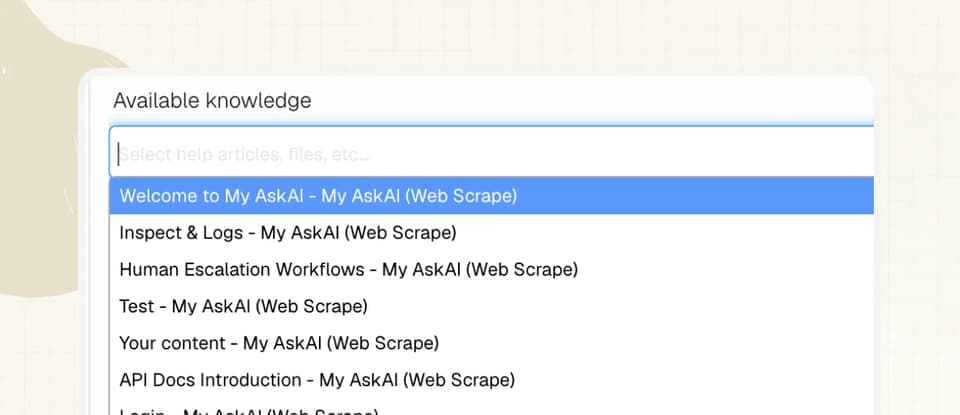
Add knowledge to a task
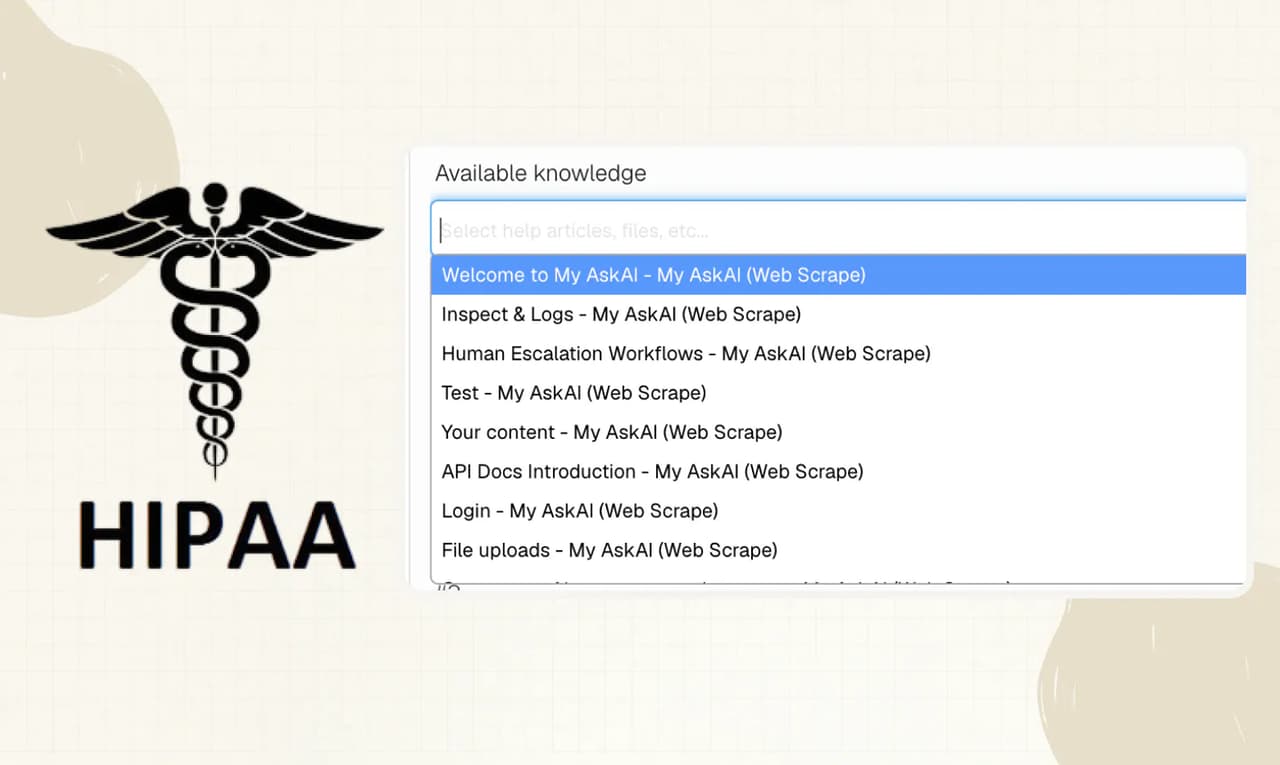
You can now make your tasks more capable by adding specific knowledge to them (webpages, articles, docs etc).
To add knowledge to a Task, open the task by going to Tasks & Tools, then select the task and scroll down to ‘Available knowledge’.
Start typing and you will be able to select any knowledge that you have already added to your AI agent in the ‘Knowledge’ section of the dashboard.
This can be used if you want to give a task awareness of a policy or specific procedure.
You can also add public or private content as knowledge to the task, especially useful if you have longer instructions, policies or rules you don’t want to make public.
Performance and speed improvements
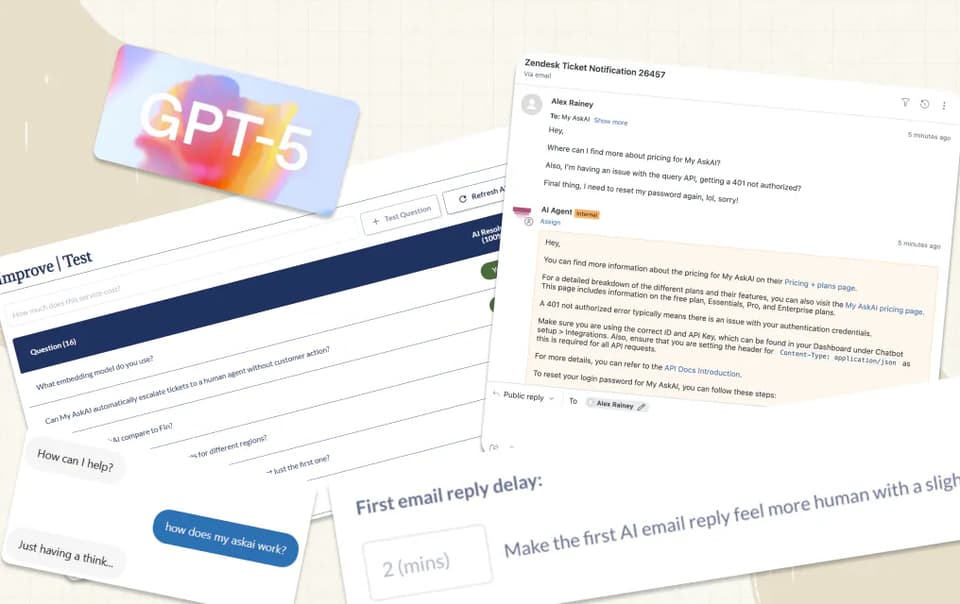
A little bit harder to see this one, but we are continuously upgrading our answer pipeline to improve the quality and speed of your AI answers.
This month we were able to make some solid improvements, introducing more powerful models to power responses, Echo and some faster models to help with decisioning.
We hope you notice the improvement!