My AskAI - August 2026 Changelog
See My AskAI updates from August 2026, including AI ticket tagging in Gorgias and new Echo tools to block tickets and handle attachments.
Summarize with AI
Gorgias AI Tagging
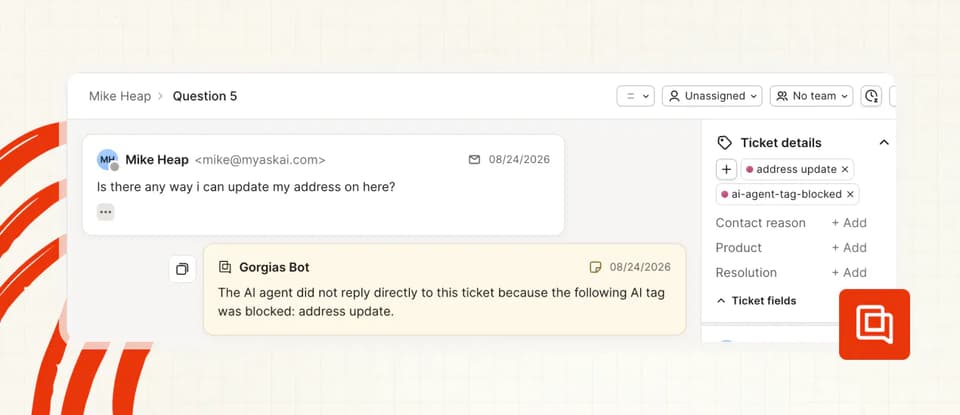
Now you can have AI automatically tag all your Gorgias emails and chats with tags as they come in.
This means you can:
> More quickly and consistently report on your ticket volume
> Block replies to certain categories of ticket or chats
> Add note replies only to categories of ticket or chats
To set it up, just go to AI Agent Setup > AI Tagging and start adding your tags.
Echo Agent: Attachments and Images
We’ve been continuing to give your Echo agent more superpowers.
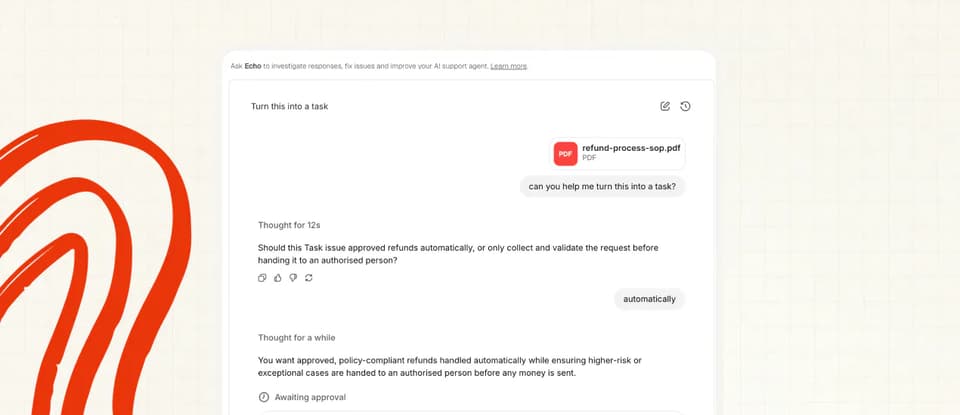
This week we’ve add an ability to process images and attachments.
This means, for example:
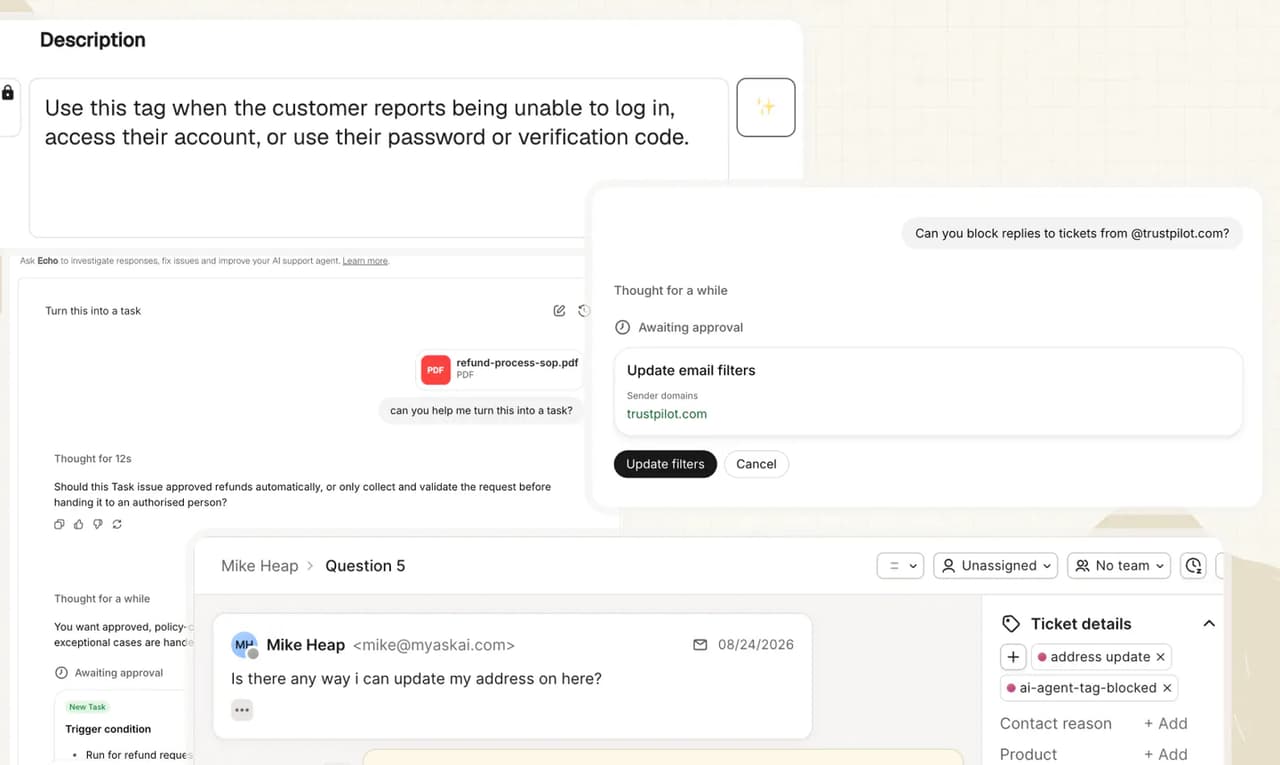
> If you need help setting anything up you can share screenshots of your helpdesk setup and it will guide you through step-by-step
> If you want to create a new task, you can just upload an SOP and it will be able to auto convert it
> If you have some brand guidelines/tone of voice, you can upload directly and Echo can convert into Guidance.
Pretty neat eh?
You can read more on Echo’s capabilities here.
Echo Agent - Spam Filters
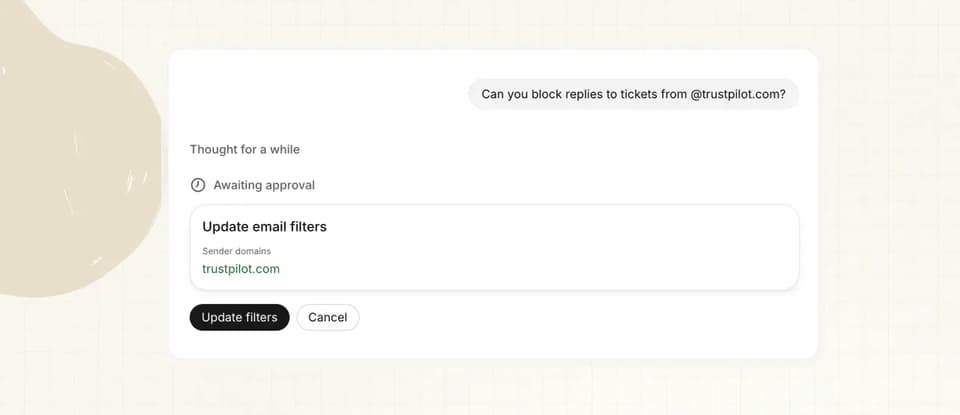
One more bonus Echo capability for you - now it can block replies to email tickets by:
> Domain
> Email address
> Subject line
We also gave it a whole load of playbooks to help you with your setup.
Enjoy, and let us what else you want Echo to be able to do!
AI Tagging - AI Descriptions
Small quality of life one for you here.
If you use AI tagging, then maybe you find writing your own descriptions a little tedious?
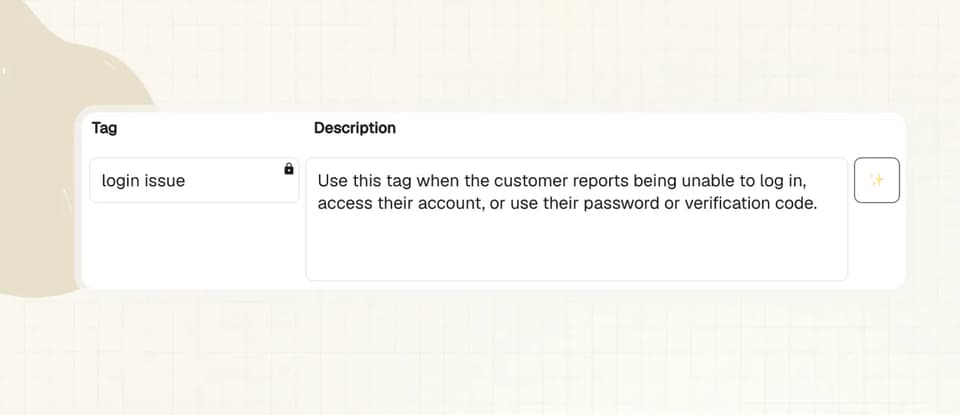
Well now you can click a button and have your tags written (or rewritten) for you, in the optimal way.
Just click the sparkle button next to any tag description and it’ll write it for you.