My AskAI - January 2026 Changelog
We wanted to share what we’ve been working on in January with you, you can now train on historic tickets, create tasks with AI and self-learning!
Summarize with AI
We've been working on a few big new features for you to kick off 2026, let's dive in...
Self-learning
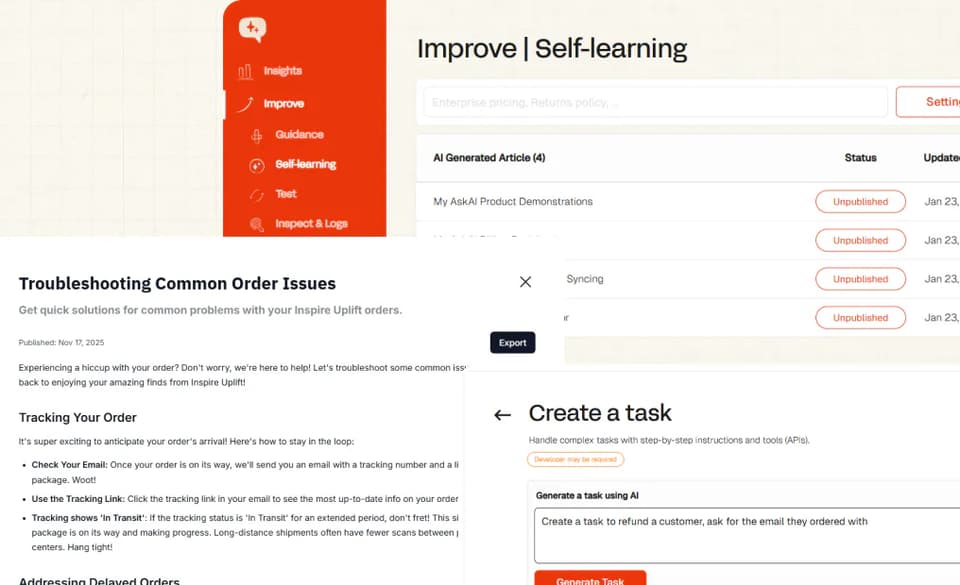
Your AI agent can now constantly improve, learning from your human agent replies, automatically.
Self-learning is the ability for your AI agent to learn from your human agent conversations, ensuring that you don't have to manually update its knowledge on an ongoing basis.
It happens automatically behind the scenes, without you having to lift a finger.
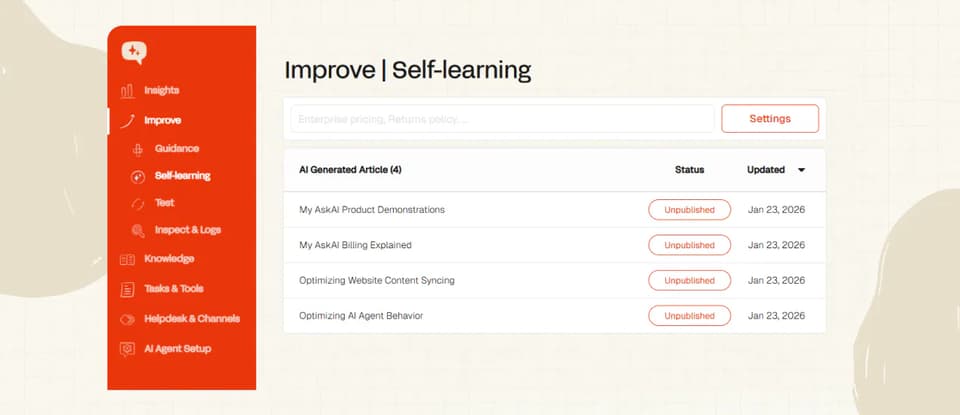
You can access self-learning by going to your Dashboard, clicking on "Improve," and then "Self-Learning."
By default, right now your articles will be “Unpublished” (draft), so:
- Go take a look
- Review them
- Make any edits and then
- Click to Publish
And, importantly, tell us how they could be better!
Read more about self-learning here.
Train on your historic support tickets
Don't already have help docs/a help center? No problem, we can help you generate one automatically from your historic tickets.
There are lots of reasons you may want to train on your past/historic tickets:
- You have been too busy to keep your docs up-to-date
- Your product has grown so fast that you never got a chance to create your docs in the first place
Whatever the reason, we can help.
Now all you need to do is connect your helpdesk, and we'll train on the last 5,000 of your historic tickets, or more on request.
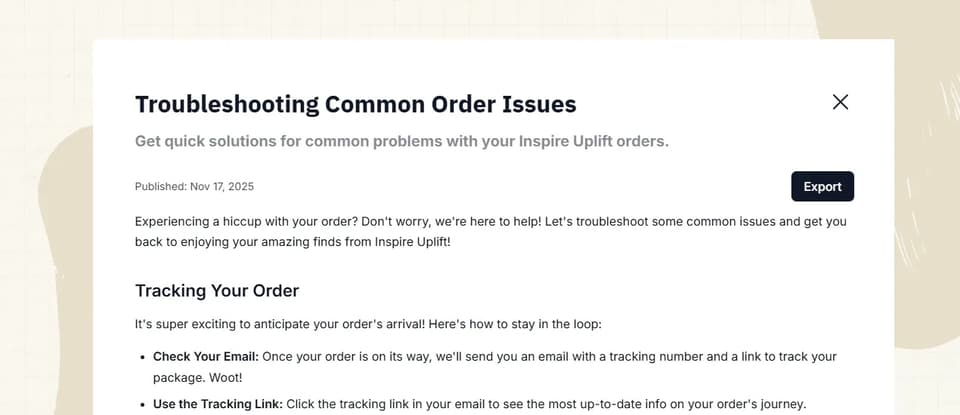
We'll then provide you with a set of output help center articles to use in your AI agent or publish to your help center.
Training on historic support tickets is included for free on every plan.
Read more on how to train on historic support tickets here.
AI Task creation
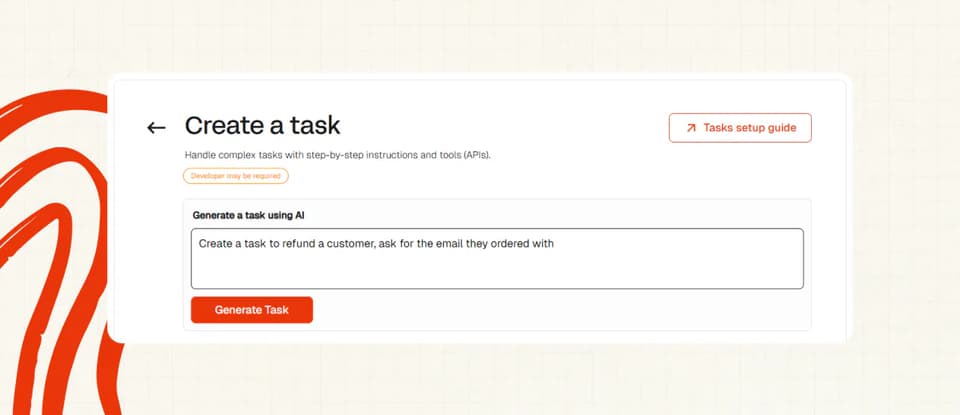
On top of our recent launch of Tasks, you can now use AI to create your tasks, instead of having to fill in all the fields individually.
Just describe in plain English what you want the task to do, hit “Generate Task” and watch the AI populate all the relevant fields.
It’ll even tell you when if a Tool would be necessary for the Task to work.
To try it out, log into your Dashboard and head to “Tasks & Tools”, then click “+New”.