My AskAI - April 2026 Changelog
See My AskAI updates from April 2026, including image reading in Freshdesk, Shopify and Gorgias changes, and faster support insights.
Summarize with AI
Check out our YouTube channel!
We're starting to invest more time in YouTube now, so you're going to be seeing more from us there.
We'll be talking about:
- How to get the most out of AI customer service agents
- Answering common questions and pitfalls
- Giving you advice on how to make the most from your AI agent
you can check out the first of our new videos below 👇🏻
(don't forget to subscribe to catch videos as they're published!)
Image Reading (Freshdesk)
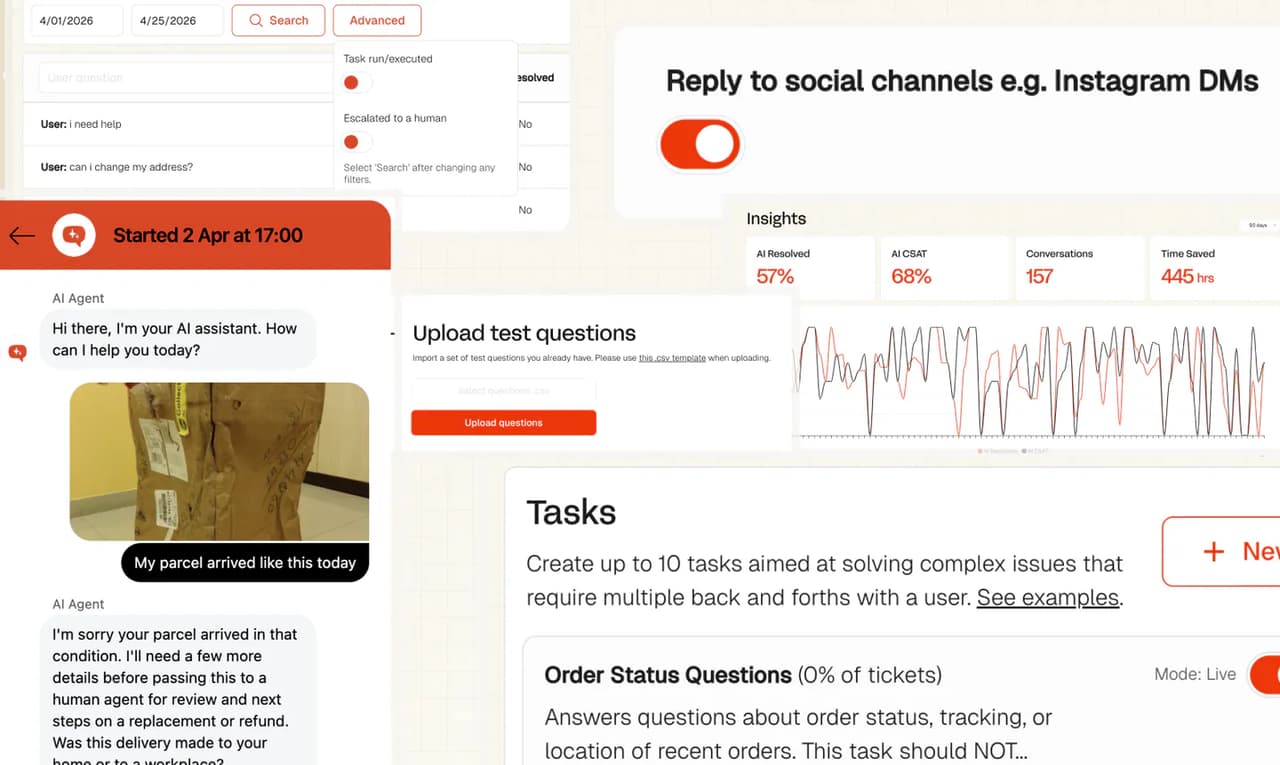
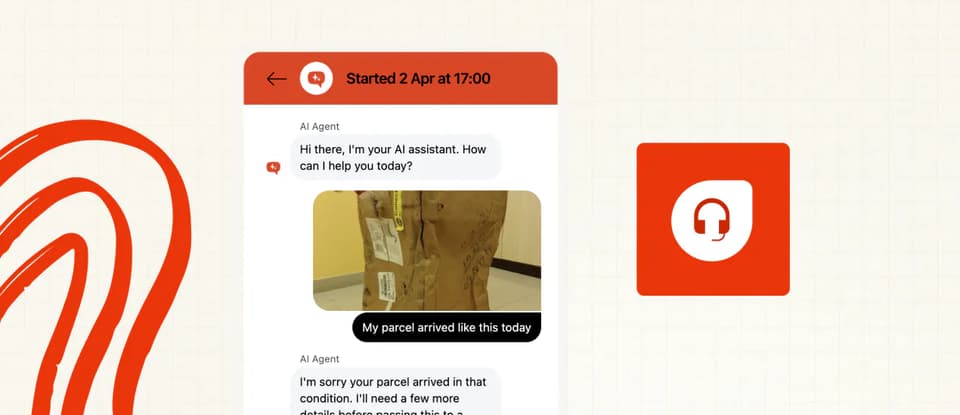
Following hot on the heels of our Intercom and Zendesk image reading capabilities we have now launched image reading for Freshdesk.
Your AI agent can now read and understand the context of screenshots and images shared in messages and emails so it doesn't have to ask the person to describe anything.
AI customer service agents can see images that are shared either in chats, email bodies or as attachments to emails.
It will process the image, and use it as context when answering the user or customer's question
You only pay $0.02 per reply where image reading is used.
Coming soon for other helpdesks.
Read more on Image reading here.
Shopify Tasks
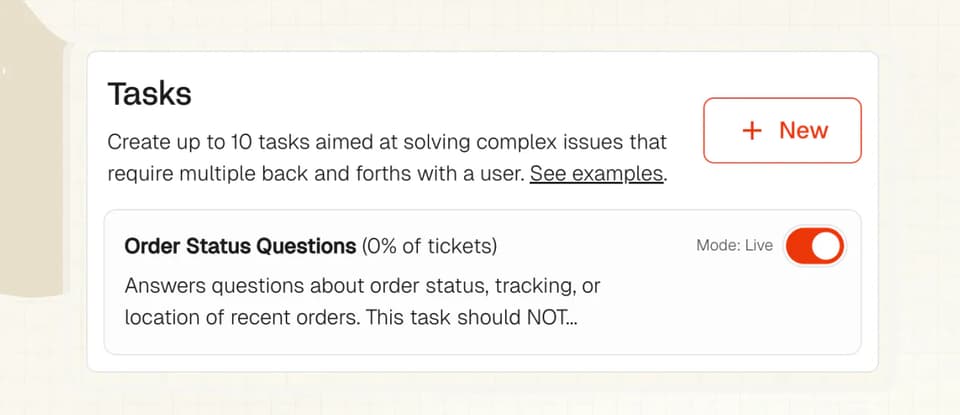
Shopify users now automatically have a task and tool added to their accounts that enables order lookups for where they don’t provide an email.
The task will request an order ID and email address before providing any details.
This will be applied for all new Shopify users signing up.
If you are an existing user and want this enabled on your account, contact us and we’ll enable it for you.
Insights Performance
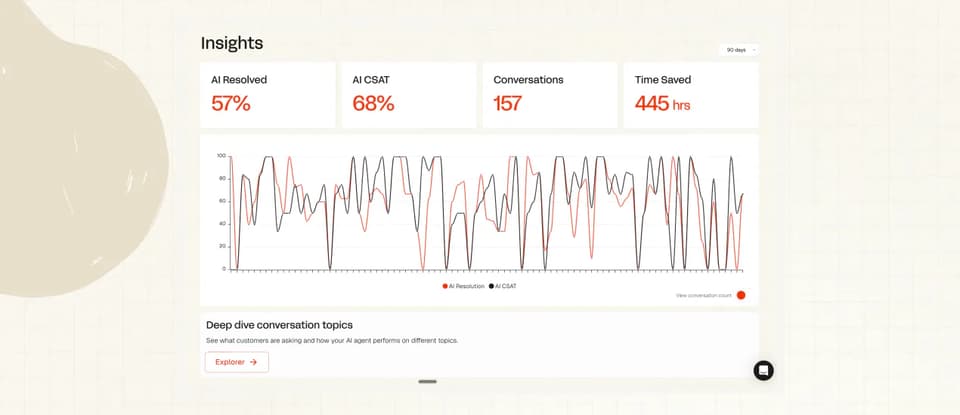
We’ve made some changes to how Insights works to improve performance, now to view your topics just click the Explorer button below your charts.
You should see things rendering a lot quicker now.
Watch this space for some bigger, more exciting Insights improvements coming soon also…
Advanced Logs
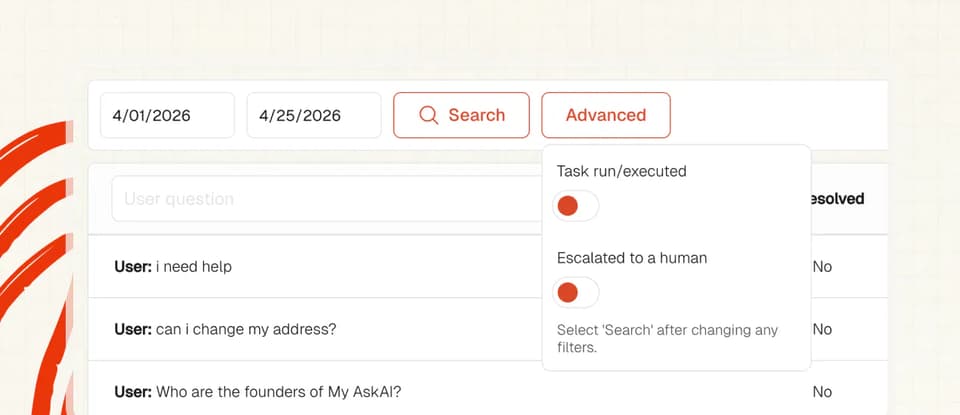
You can now filter your logs/ticket history to only show tickets/conversations that were handed over or escalated.
To do this go to Inspect & Logs in your Dashboard and then click the Advanced button and toggling the 'Escalated to human' switch on.
It’ll also allow you to view tickets/conversations where Tasks have been used.
CSV Test Import
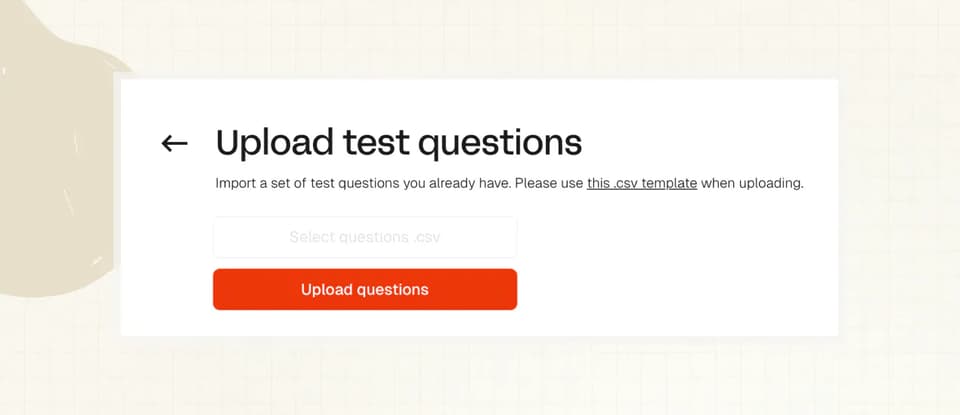
Want to test or QA your AI agent on a batch of tickets?
You can now upload a CSV of questions to your agent and have them automatically run.
You can then use our QA and scoring tools to rate the AI agent’s responses.
Find the upload button in Improve > Test.
Social Replies (Gorgias)
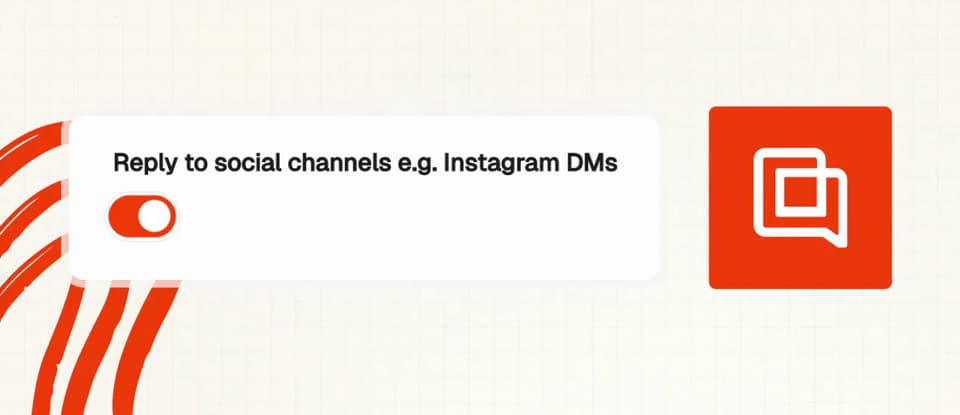
You can now control whether or not your AI agent responds to messages in your social channels in Gorgias.
To turn this on or off, go to Helpdesk & Channels > Gorgias > Chat and find the toggle.